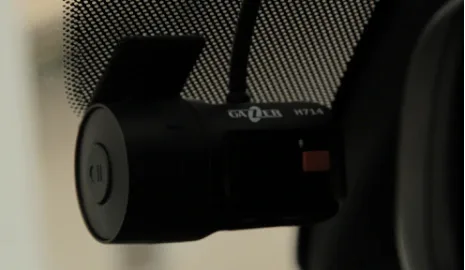
Данный видеорегистратор предназначен для штатной установки, поэтому его экспресс обзоры на страницах специализированных сайтов и журналов встречаются нечасто. Мы решили эту проблему просто - установив Gazer H714 в автомобиль одного из сотрудников редакции. Но вначале об отличительных чертах миниатюрной новинки.
Особенности Gazer H714
Многие автомобилисты не прочь приобрести регистратор, но далеко не все хотят превращать салон любимой машины в паутину из кабелей и проводов. Да и внушительных размеров девайс может смутить тех, кто утром и вечером не хочет регулярно заниматься демонтажем регистратора, чтобы не привлекать внимание любителей легкой наживы. В этих случаях у водителей возникает желание и необходимость обзавестись видеорегистратором для штатной установки, каковым является Gazer H714.
Он по праву считается самым маленьким на рынке. Его длина составляет всего 6,5 см, а ширина - 3,5 см. Но такие компактные габариты не помешали этому видеорегистратору отличиться широким функционалом при невысокой стоимости (около 1000 грн). Итак, что же можно выделить в данной модели:
1.Возможность ведения беспрерывной съемки после отключения двигателя (настройка необходимого времени работы видеорегистратора, настройка минимального напряжения аккумулятора во избежание его разрядки).
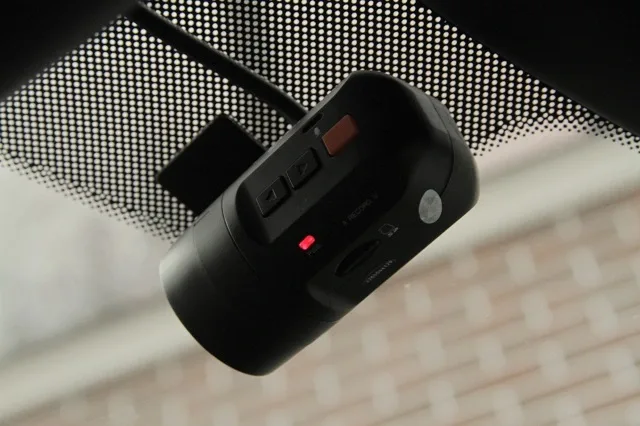
В этом случае регистратор начинает производить запись с уменьшенной частотой 10 кадров в секунду, что позволяет экономить место на карте памяти. Желаемое время работы видеорегистратора устанавливается в пункте меню «Таймер выключения». Что касается настройки контроля минимального напряжения аккумулятора, она позволяет избежать его разрядки. А именно - чтобы обезопасить владельца от невозможности завести двигатель, регистратор автоматически выключается, когда уровень заряда достигает критической отметки, которая предварительно задана пользователем.
2. Режим парковки.
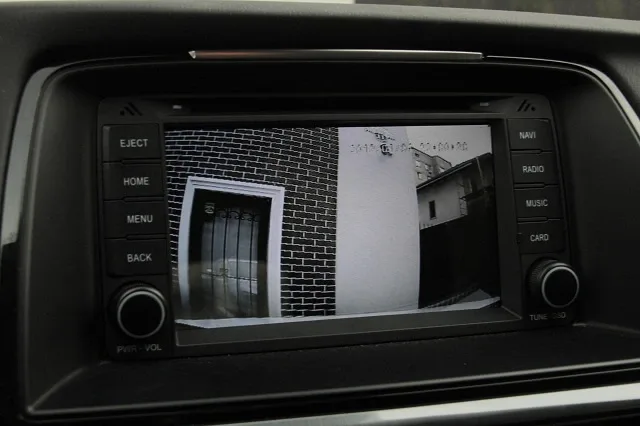
Эта функция предназначена для ведения охранной видеозаписи в припаркованном авто. При включенном режиме парковки, после отключения питания АСС, видеорегистратор прекращает записывать видео и переходит в режим ожидания. Но он автоматически возобновляет запись при срабатывании датчика удара. В этом случае записывается ролик длительностью 60-90 секунд с частотой 30 кадров в секунду, после чего регистратор возвращается в режим ожидания. Чувствительность датчика удара можно установить самому, воспользовавшись пунктом меню «Датчик удара», где 10х - максимальная чувствительность, а 2х - минимальная.
3. G-сенсор.
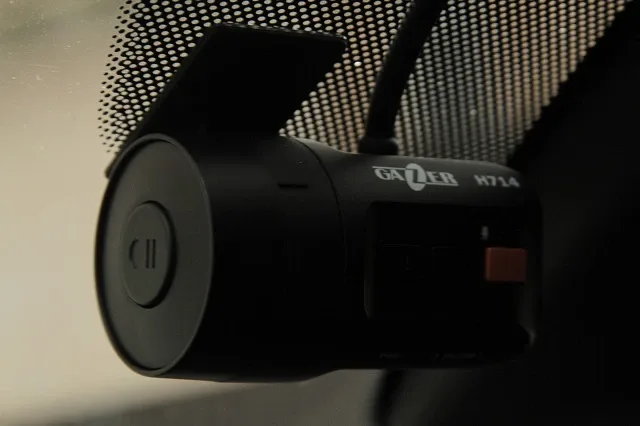
G-сенсор активируется при резких разгонах, поворотах, торможениях. При срабатывании G-сенсора на текущие файлы устанавливается защита от перезаписи, подразумевая, что именно эти файлы имеют наибольшую важность. Также защиту от перезаписи возможно устанавливать вручную, с помощью кнопки на корпусе видеорегистратора. Защищенные файлы записываются в пределах 30% от объема карты памяти. При этом файлы, защищенные по срабатыванию G-сенсора, записываются циклично, а по нажатию кнопки - без возможности перезаписи (стирать вы их сможете вручную).
4. Программное обеспечение Gazer Player.
У Gazer H714 есть собственно ПО Gazer Player, которое автоматически устанавливается на карту памяти при первом использовании (в момент её форматирования). Gazer Player предполагает наличие инструментов для удобной работы с видеофайлами:
- установка пароля на запуск программы, что обеспечит доступ к записанным видеофайлам только вам;
- снятие защиты файлов от перезаписи;
- переворот изображения на 180° (актуально при установке регистратора в «перевернутом» состоянии);
- отображение работы G-сенсора;
- восстановление файлов, поврежденных при некорректном отключении регистратора;
- преобразование видео в AVI-формат и создание снимков экрана.
Одним из важных преимуществ модели H714, как и других регистраторов Gazer, является сертификат УкрСЕПРО. Его наличие очень важно, поскольку позволяет использовать видео в качестве доказательств - для получения юридической силы отснятых материалов, при предоставлении их в суде.
Базовое оснащение и установка
Помимо копии юридически важного сертификата, в комплектации Gazer H714 также имеется:
- карта памяти Gazer microSDHC объемом 8 Гб с SD адаптером;
- кабель для подключения питания и композитного RCA видеовыхода;
- дополнительная полоса 3М скотча;
- руководство пользователя с гарантийным талоном и две наклейки «Ведётся видеозапись»;
В теории Gazer H714 можно установить самому, но мы бы рекомендовали доверить это специалистам. Но в любом случае опишем мини-инструкцию по установке, учитывая наш опыт:
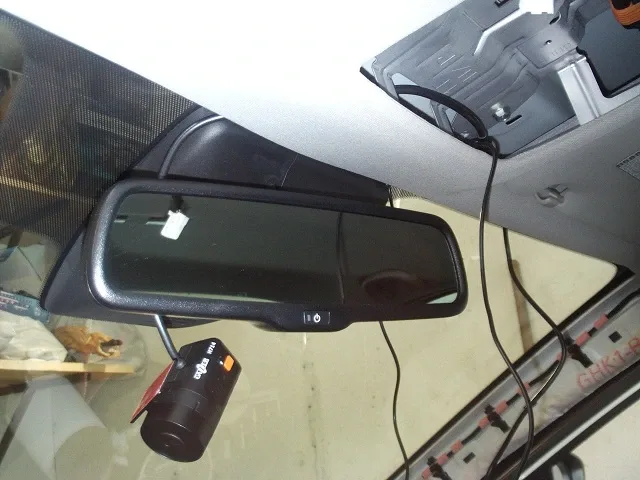
1) Выбор места. Наиболее оптимальной локацией для монтажа регистратора является место за салонным зеркалом.
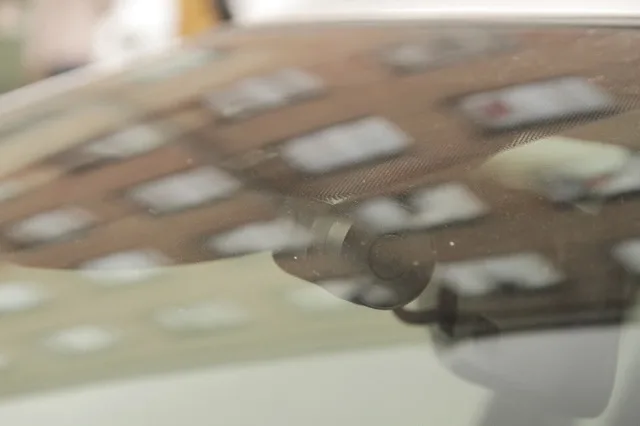
2) Провод от регистратора заводим под обшивку потолка.
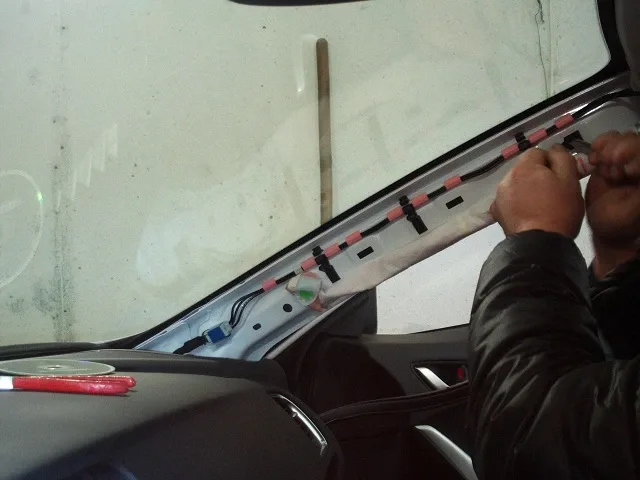
3) Второй длинный кабель (3 провода и видеовыход) прокладываем через крышу, правую переднюю стойку и торпедо - к проводам питания автомобиля.
4) Подключаем разъемы согласно инструкции:
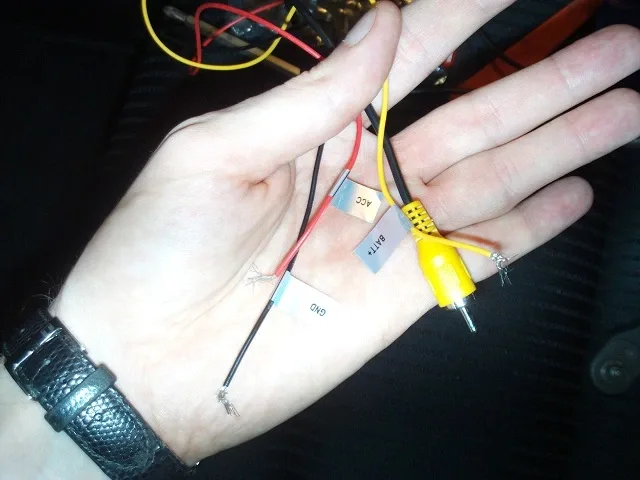
- черный провод (GND) - к массе автомобиля;
- желтый провод (BATT+) - к клемме аккумулятора;
- красный провод (ACC)
- к линии питания АСС автомобиля +12В;
- штекер "тюльпан" подсоединяем к средству вывода изображения, если таковое имеется (например, к головному мультимедийному устройству авто или автомобильному монитору).
5) Включаем зажигание - регистратор включится и перейдет в рабочий режим, а на мониторе будет отображаться картинка с видеорегистратора.
6) Ориентируясь на изображение с видеорегистратора, примеряем включенный регистратор для определения места, где он у нас будет крепиться.
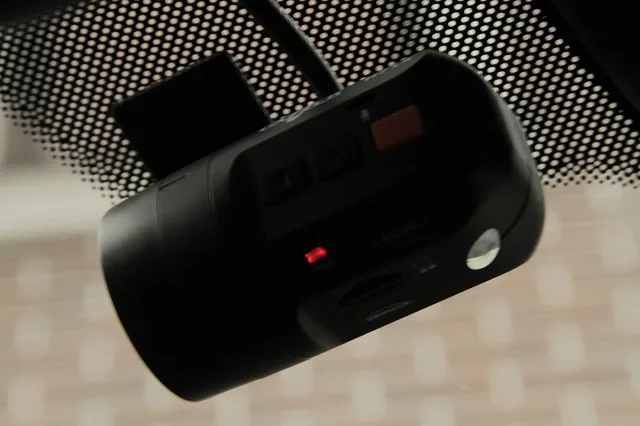
7) Когда место крепления четко определено, обезжириваем стекло и клеим регистратор на скотч (в комплекте). После установки регистратора остается ввести нужные настройки и радоваться правильному выбору регистратора, который и не заметен, и предоставляет качественное видео.
Качество видео с регистратора Gazer H714
В начале года мы тестировали Gazer F121 и Gazer F525, поэтому нам есть с чем сравнивать H714 по качеству изображения. Как показали наши испытания, тестируемая модель обеспечивает хороший угол обзора, что подтверждают заявленные характеристики (угол обзора - 140°), и достойное разрешение записи (1280x720). По нашему мнению, с четкостью изображения проблем нет. При разных погодных условиях и времени суток Gazer Н714 позволяет идентифицировать номера на едущих рядом автомобилях.
Выводы
Gazer Н714 не заметен посторонним, не требует монтажа/демонтажа, не нуждается в подключении к прикуривателю. Фактически вы получаете камеру в автомобиле, которая даже в ваше отсутствие следит за окружающей обстановкой. Отсутствие встроенного дисплея - не проблема, так как всегда можно просматривать видеозаписи на компьютере. А если в вашем автомобиле есть головное устройство с экраном или автомобильный монитор, на который можно выводить видео-картинку, регистратор Gazer Н714 будет лучшим выбором.